Understand the foundations
Learn how electricity, transistors, logic gates, registers, memory, and buses form the core of a computer.
Coming soon
Meet S-CPU, a minimal 16-bit architecture designed to be understood, built, and programmed from end to end.
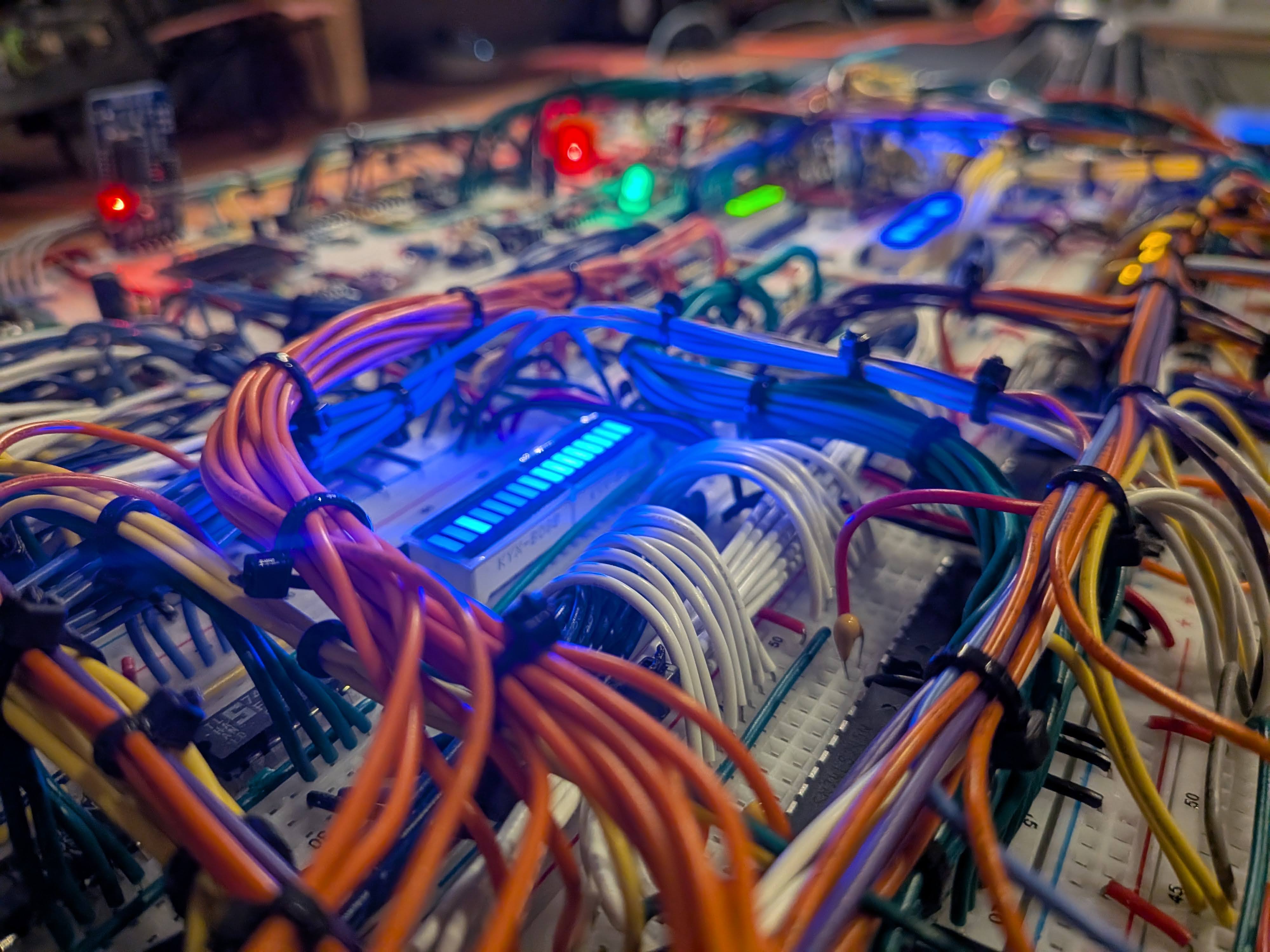
Software becomes much clearer when you can see the machine beneath it. BuildACPU follows that machine layer by layer, from logic gates and registers to assembly and high-level code.
Learn how electricity, transistors, logic gates, registers, memory, and buses form the core of a computer.
See how a datapath, control logic, and an instruction set work together as a complete 16-bit CPU.
Write assembly, compile S-Code, and connect software concepts to real hardware constraints.
S-CPU is a deliberately minimal 16-bit architecture, simple enough to understand in full and complete enough to run real programs.
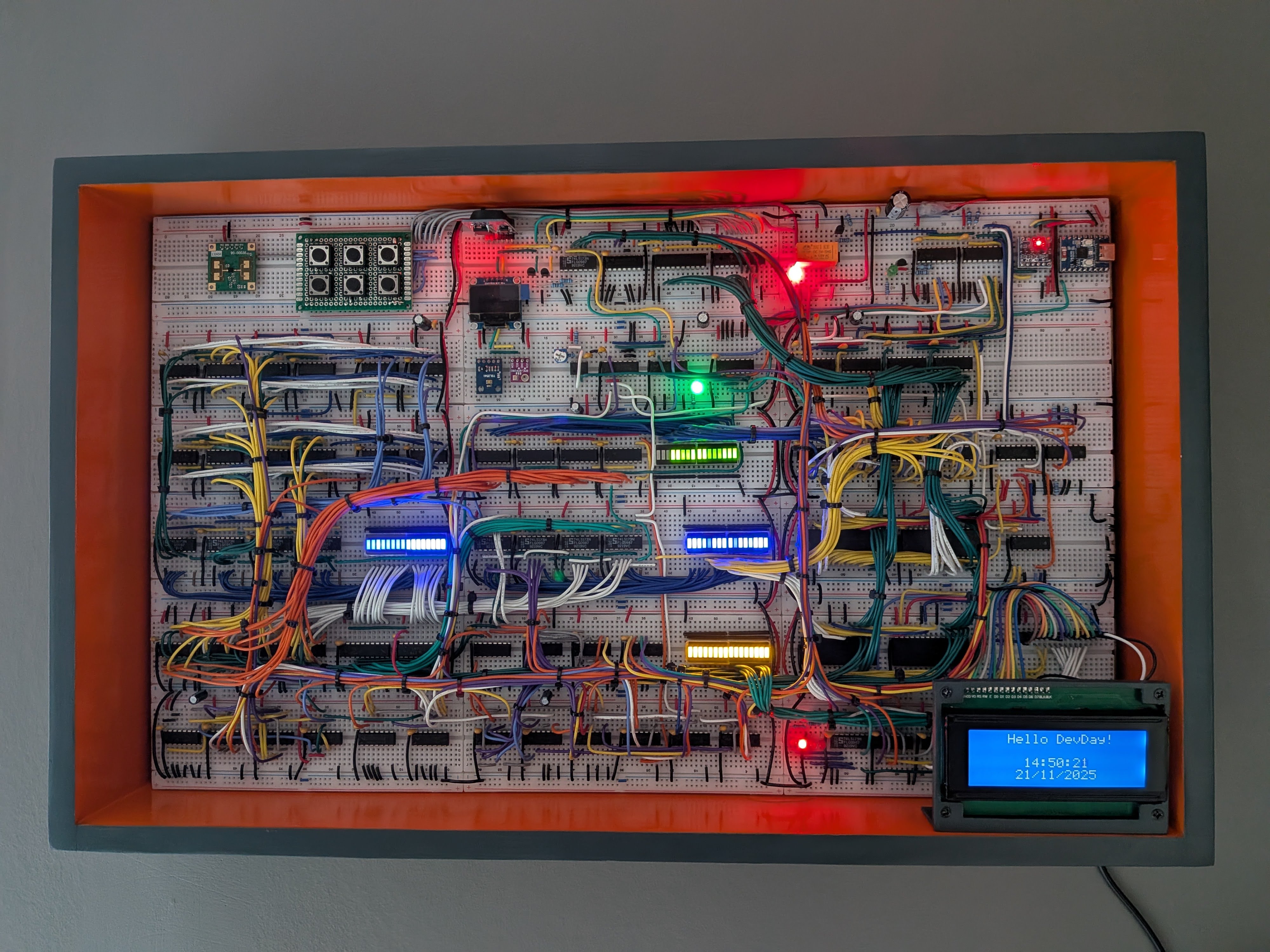
Run and debug S-CPU programs on Windows, Linux, or macOS using desktop or CLI simulators.
Model the datapath in Logisim, then simulate the physical 74xx circuit design in Digital.
Simulate the HDL with Icarus, then synthesize and run it on a Gowin FPGA.
Build the physical processor from discrete logic chips and breadboard wiring.
Beyond the hardware
S-Code is a compact high-level language built specifically for S-CPU. It brings familiar features like functions, arrays, strings, pointers and dynamic memory to a minimal 16-bit processor.
string message = "Hello S-CPU!";
int values[] = { 10, 20, 30 };

Print(message);

for (int i = 0; i < sizeof(values); i++) {
    PrintNumber(values[i]);
}
The learning guides are on their way. The full S-CPU project is already available on GitHub.